How to pick up a ringing phone
To pick up a call that is ringing on another phone extension you dial ** and the extension number. So if extension 120 is ringing then from your extension you would dial **120 followed by # or your dial button.
Call Parking
When you are logged in as the UC PBX admin user in VUC4 you will be able to setup call parking. The Call parking view allows to create call parking lot and define its timeout.

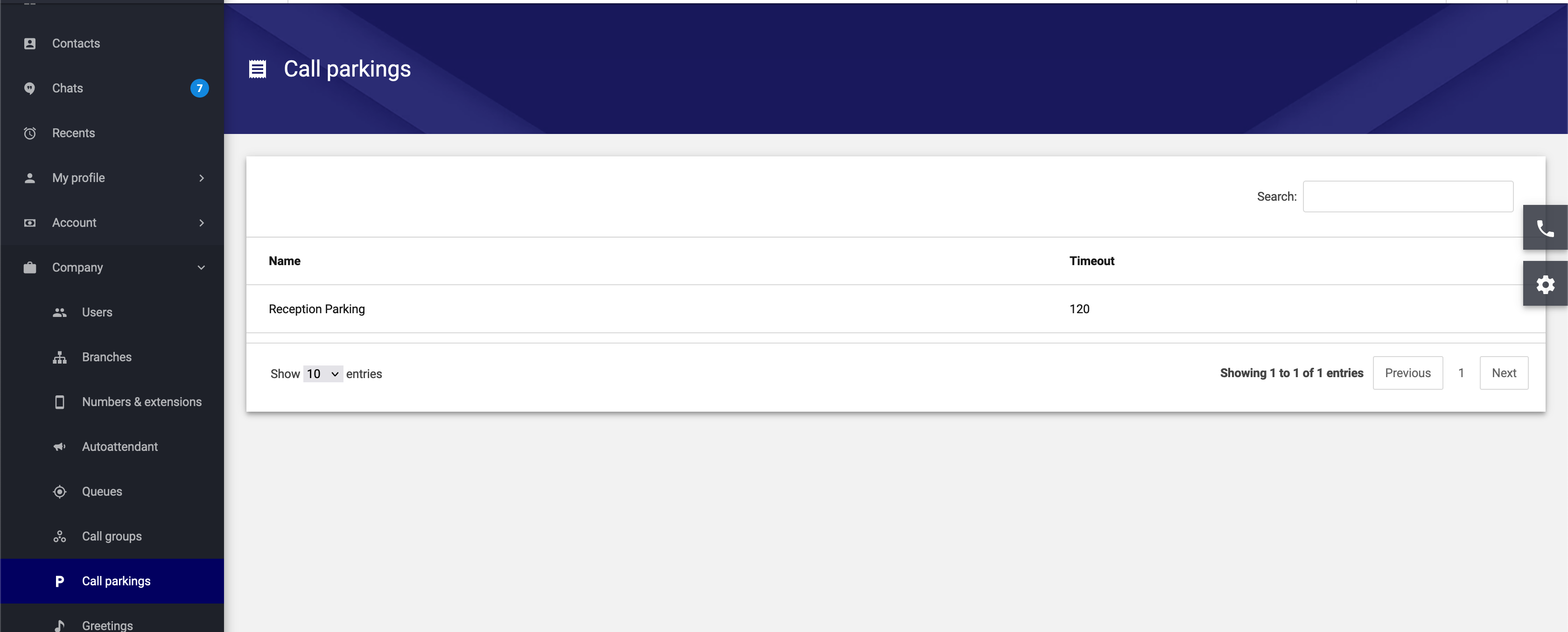
To park a call in the call parking lot, you will need to blind transfer the call (during active phone call) into call parking extension.
To pickup a call from call parking lot you will beed to make a call to the call parking extension. If the parked call is not picked up within timeout set on that particular call parking then the parked call will be dropped.
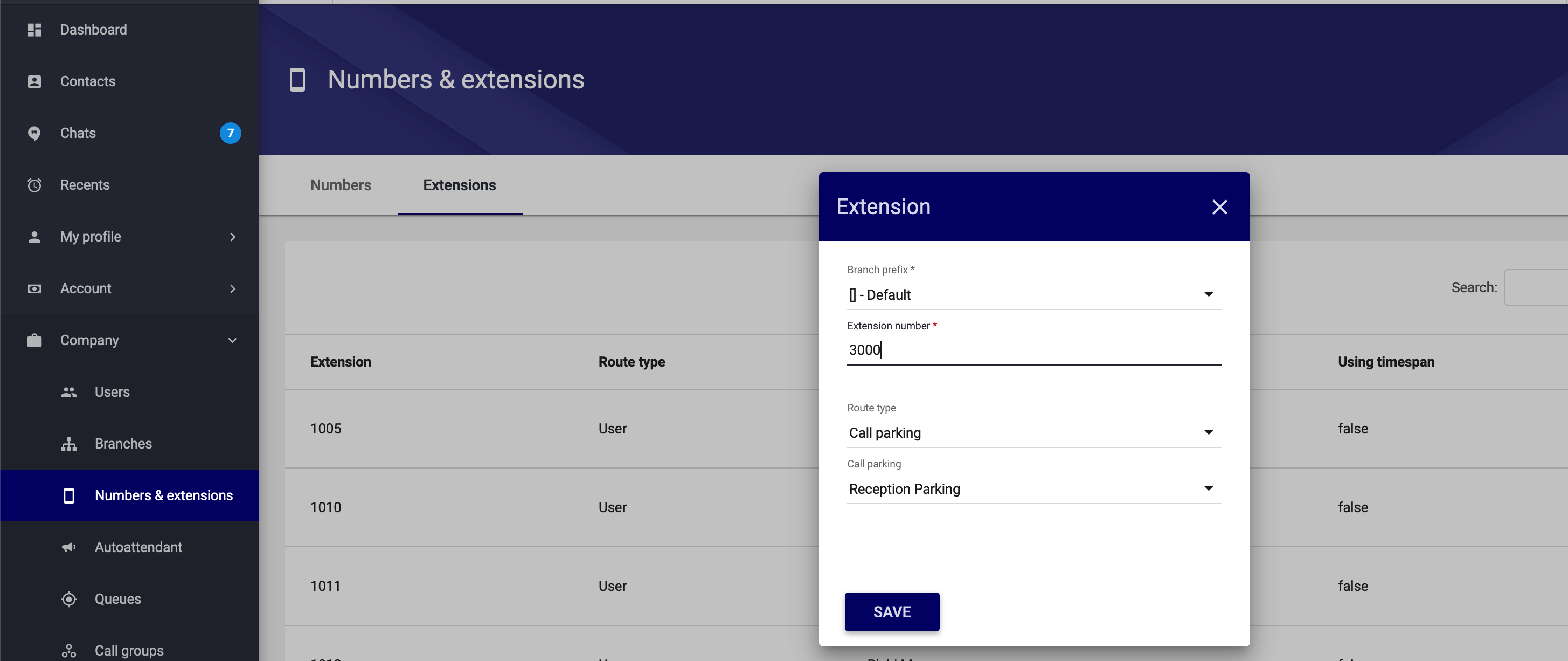
Once you have created the Parking lot you will need to configure the next step. That is to assign an extension to the particular call parking in “Company → Numbers & extensions”.
In the below example we create and extension number of 3000 and add the "Reception Parking" Lot to extension 3000.
Now if you need to answer a call and place it into the Reception Parking you would do a blind transfer to 3000, and to retrieve that call again you would dial 3000. Remember that if you set the Parking Lot time out to 120 seconds as an example, and the call is not retrieved before the 2 minutes has passed it will be dropped by the system.