
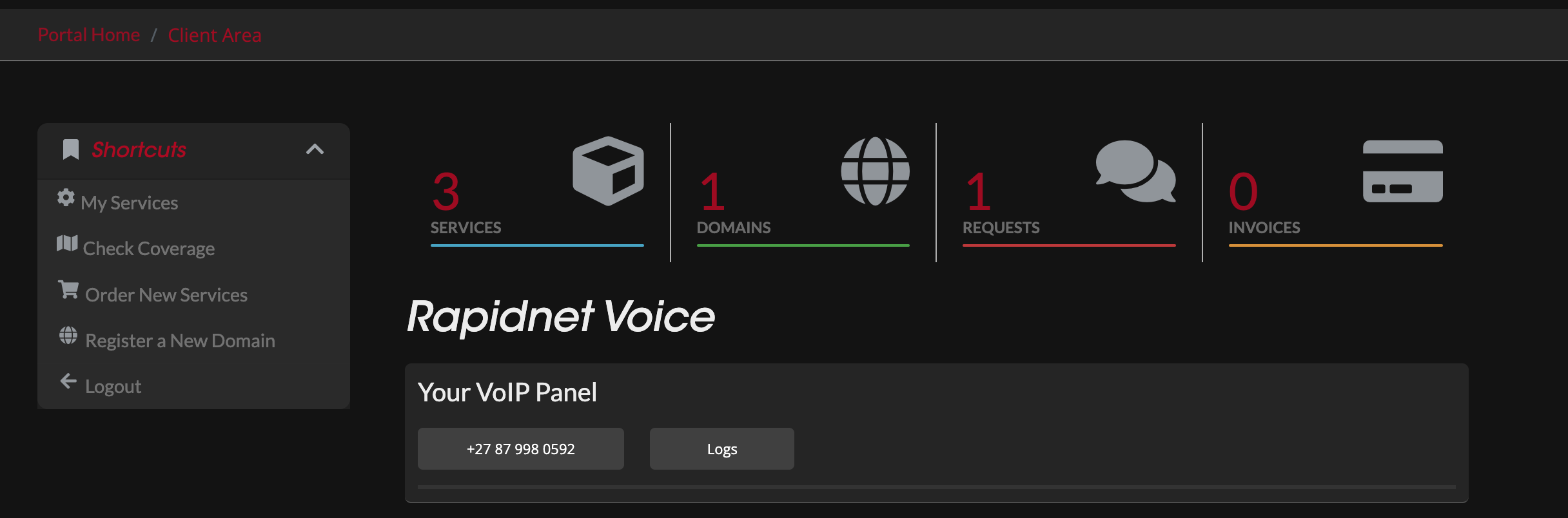
Once your Home Voice service is activated, you will find "Rapidnet Voice - Your VoIP Panel" in the Client Area of https://my.rapidnet.co.za. Within this section, you can manage your Voice service efficiently with the following capabilities:
-
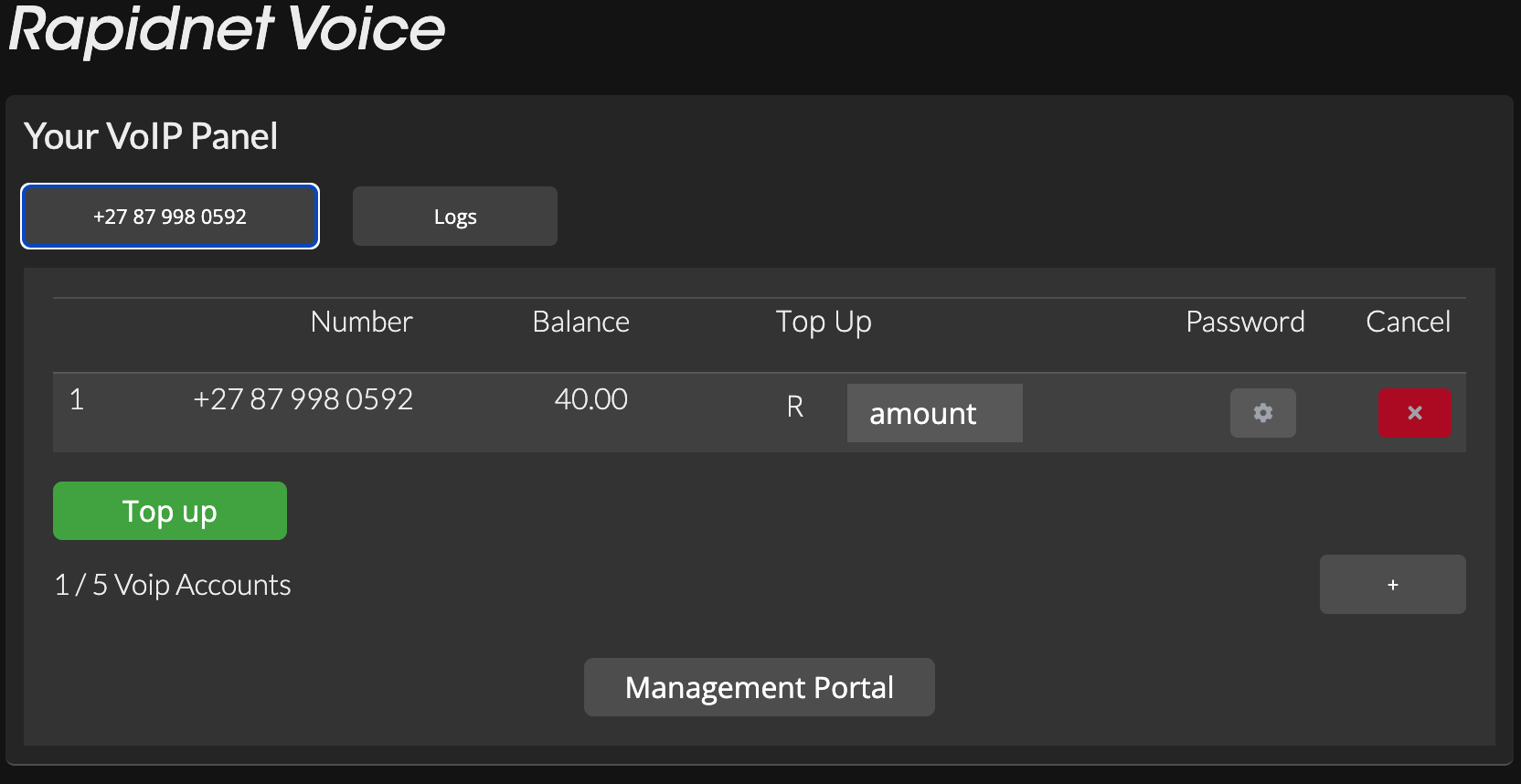
Add up to 5 Voice Accounts: You have the flexibility to add up to five voice accounts under your Portal Account.
-
Individual Account Management: Each voice account allows you to:
- View Balance per Account
- Top-Up each number individually
- Change Voice Portal Password / SIP Password per Account
- Access Voice Billing / Itemised Billing information
-
Cancellation Option: Additionally, you can cancel your Voice Account if needed.
With these features, managing your Home Voice service becomes convenient and customizable to suit your communication needs.
Making and Receiving Calls
There are three methods available for making and receiving calls:
- Using a physical IP Phone.
- Utilizing a VoIP Dialer or the Rapidnet RCS App for Android or iOS.
- Accessing the Web Portal.
Whether you prefer the familiarity of a physical IP phone, the convenience of a VoIP dialer or the mobility offered by the Rapidnet RCS App for Android or iOS, or the flexibility of accessing the Web Portal, Rapidnet ensures that you stay connected effortlessly.
By understanding and utilizing these three methods, you can tailor your communication experience to suit your preferences and lifestyle. Whether you're at home, in the office, or on the go, Rapidnet Home Voice service empowers you to stay connected with ease.
For any further assistance or inquiries, our dedicated support team is always here to help. Thank you for choosing Rapidnet for your communication needs. Stay connected, stay empowered.
